
Introduction
The "Drivers" tab allows you to give each of your drivers a fleet subscription to Trucker Path. Adding the drivers here will also allow you to connect their account with the COMMAND system so they can receive routes, loads, upload documents, and give them access to use the Trucker Path app for navigation.
Summary
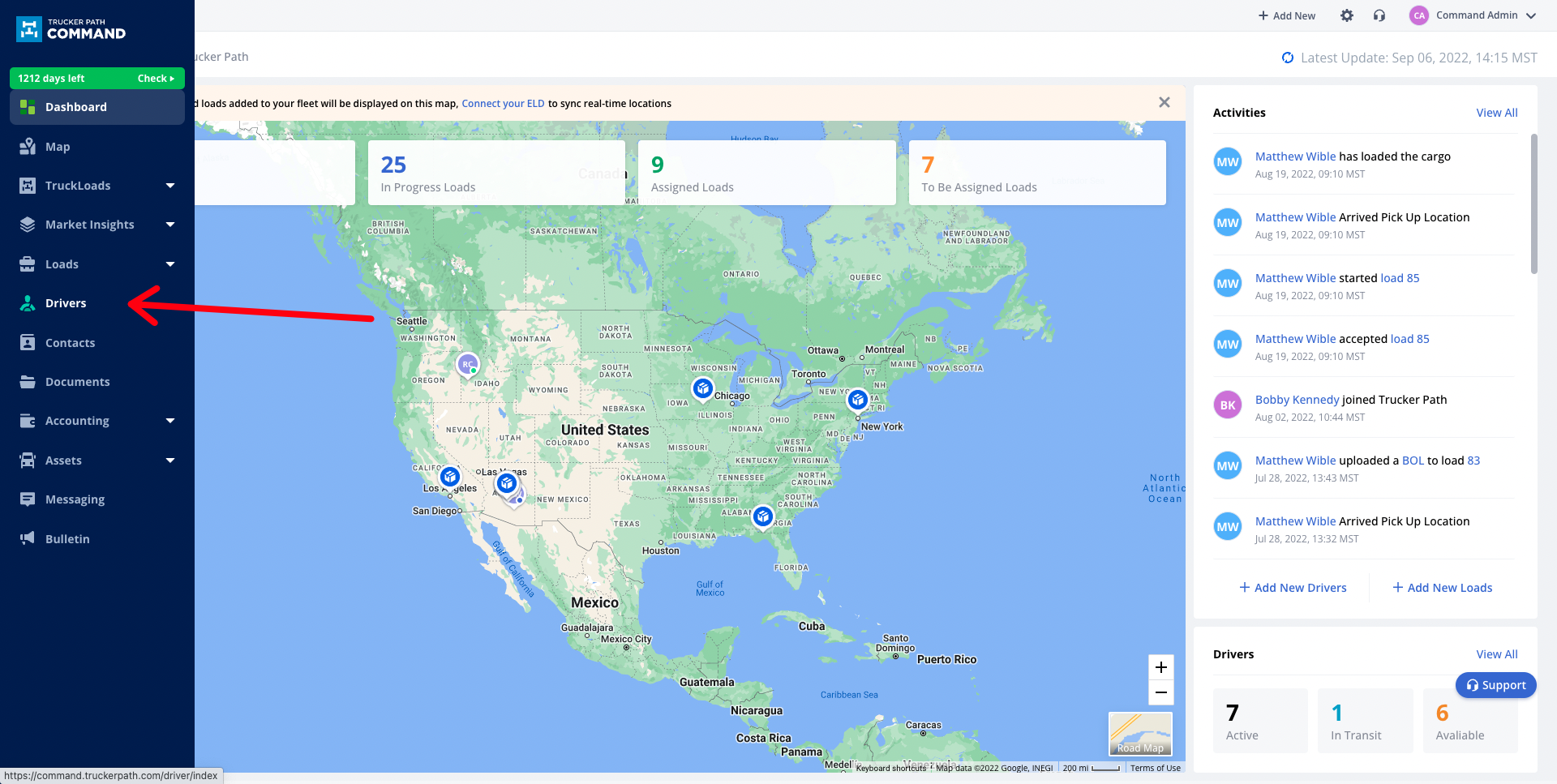
To access the "Drivers" tab, click the "Drivers" module on the right-hand side of the screen.
Add Driver
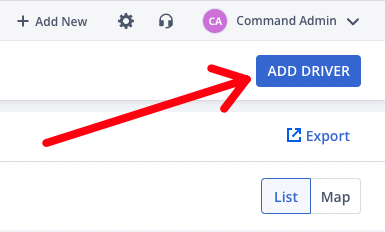
Add a driver by clicking the "Add Driver" button in the upper right-hand corner of the screen.
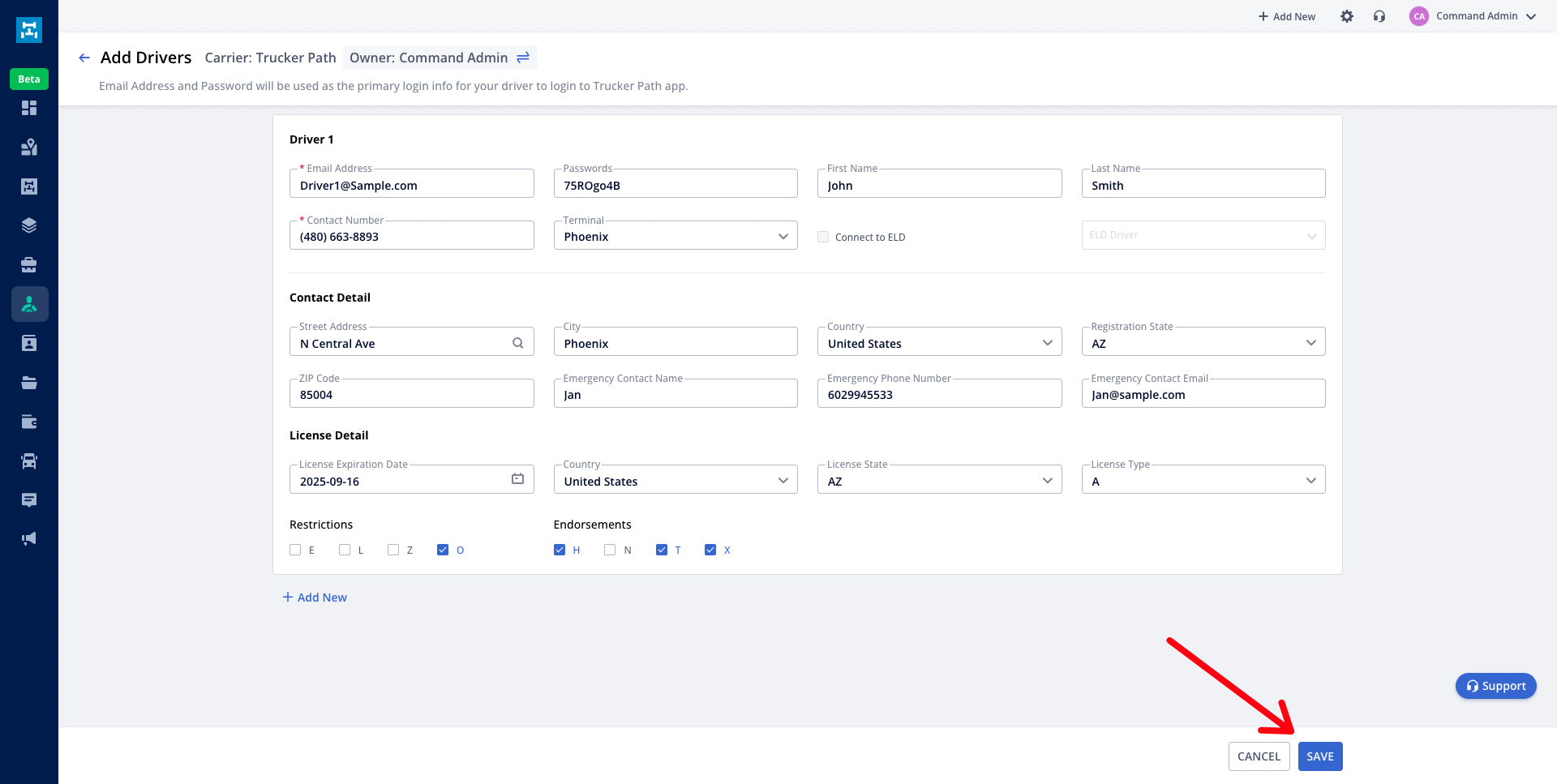
Enter all of the driver's information and then click save in the lower right. You can click "+ Add New" if you would like to add multiple drivers from the same page.
Driver Profile
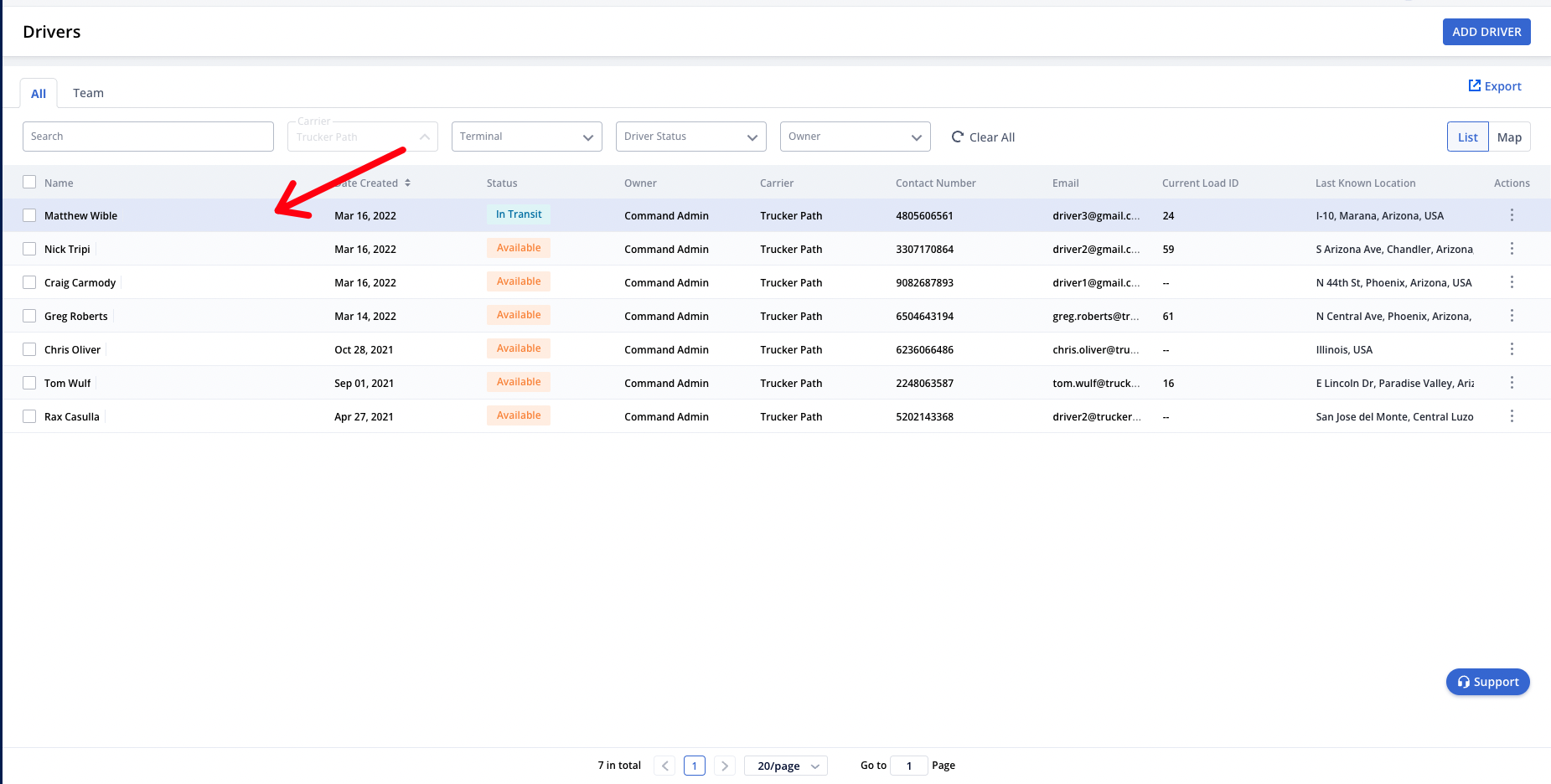
Once the drivers are added, you can click the user's profile to access the driver profile page.
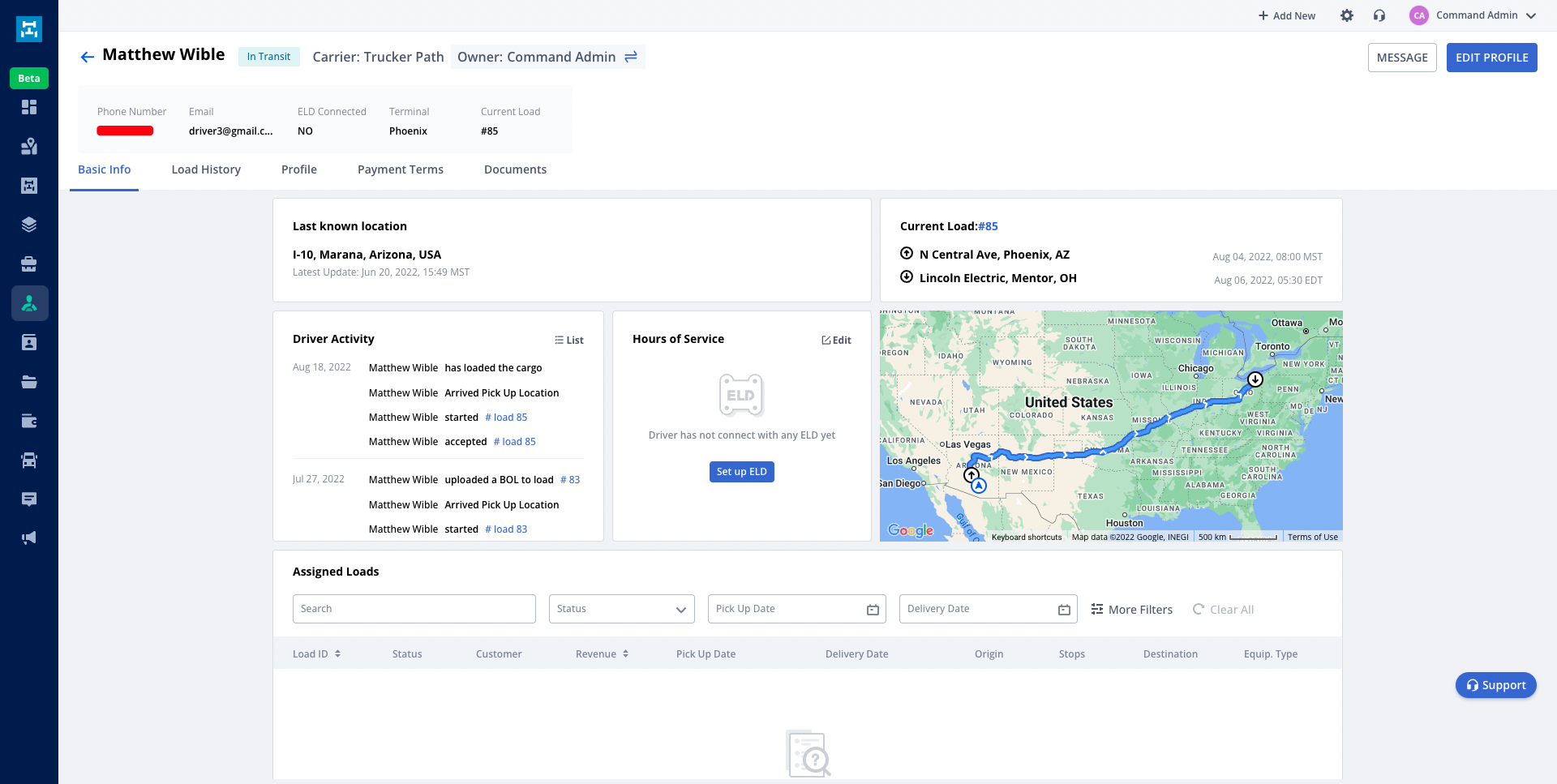
From this page, you can view the driver's basic info, Load History, Profile, Payment Terms, and any documents that have been uploaded by that specific user.
Basic Info
The basic info tab will show you the driver's last known location, current load, recent activity, HOS, and any current assigned loads.
You can click on "Edit Profile" to make changes to that user's information.
Load History
The load history tab will show any recent loads that have been worked on by that user. You can click on each load to jump to the load details page.
Profile
The "Profile" tab will give an overview of all of the driver's current saved information.
Payment Terms
The payment terms tab allows you to set specific payment terms that will be added to the driver settlement portion for each load that is assigned. You can add additional line items for each section by clicking "+ Add Line Item".
Documents
The "Documents" tab will show all of the documents that have ever been uploaded and connected to a load by that specific driver. You can click on each of these documents to download them or view them in more detail.
Questions?
If you have any questions regarding this topic or any others, please reach out to our Support Team via email at commandsupport@truckerpath.com or by phone at +1 (833) 929-4441.
Comments
Please sign in to leave a comment.